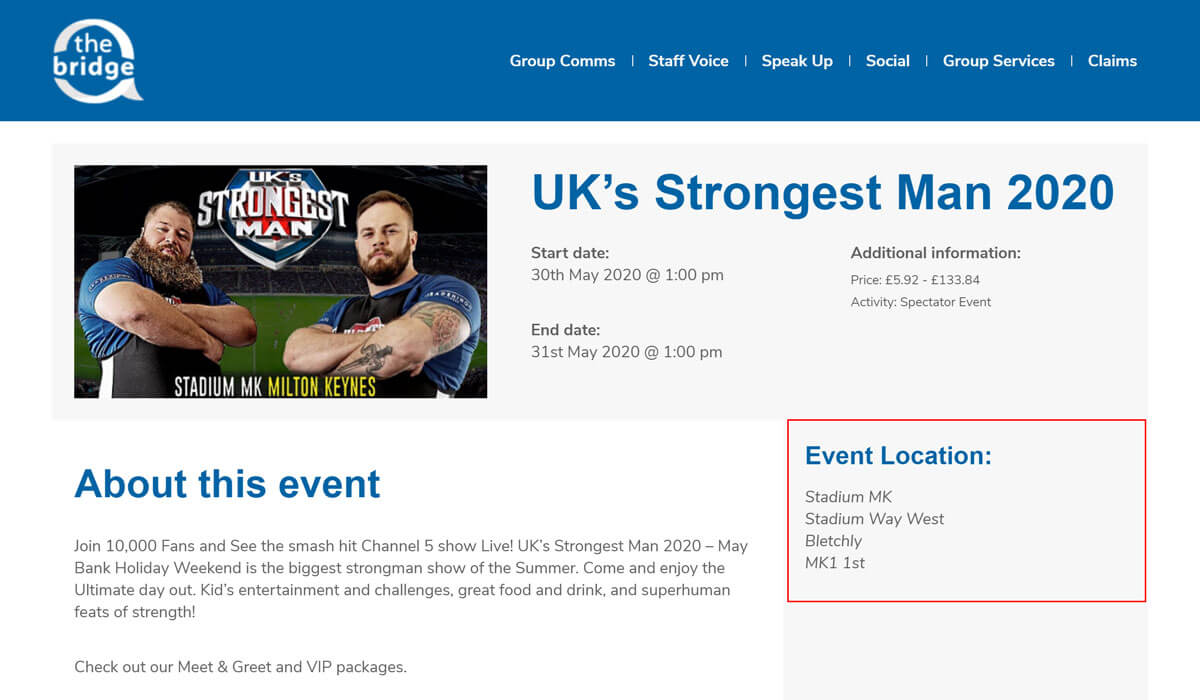
# Setting the Event Location
To set your event location, fill out the event location fields by following the steps below.
While on the Add New Event screen in the WordPress admin area, make sure you have the Document tab selected in the right hand sidebar:
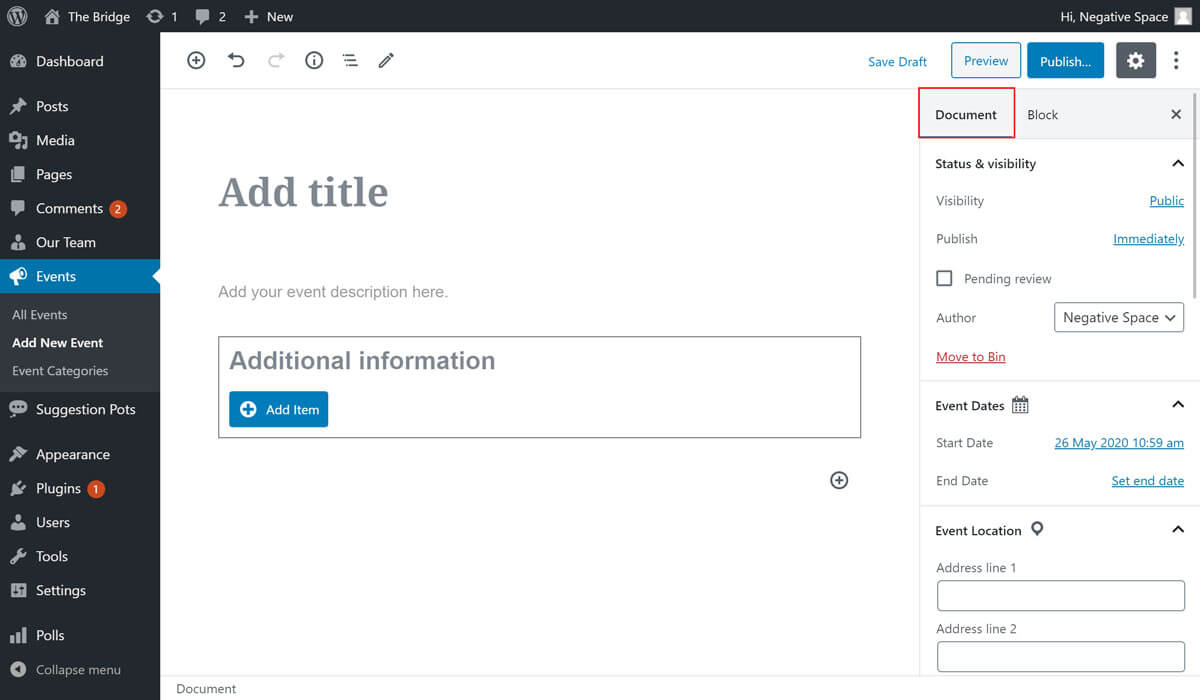
Scroll the sidebar until the Event Location dropdown section is in view. When expanded, this section will reveal the event location fields you can fill in to add a location to your event:
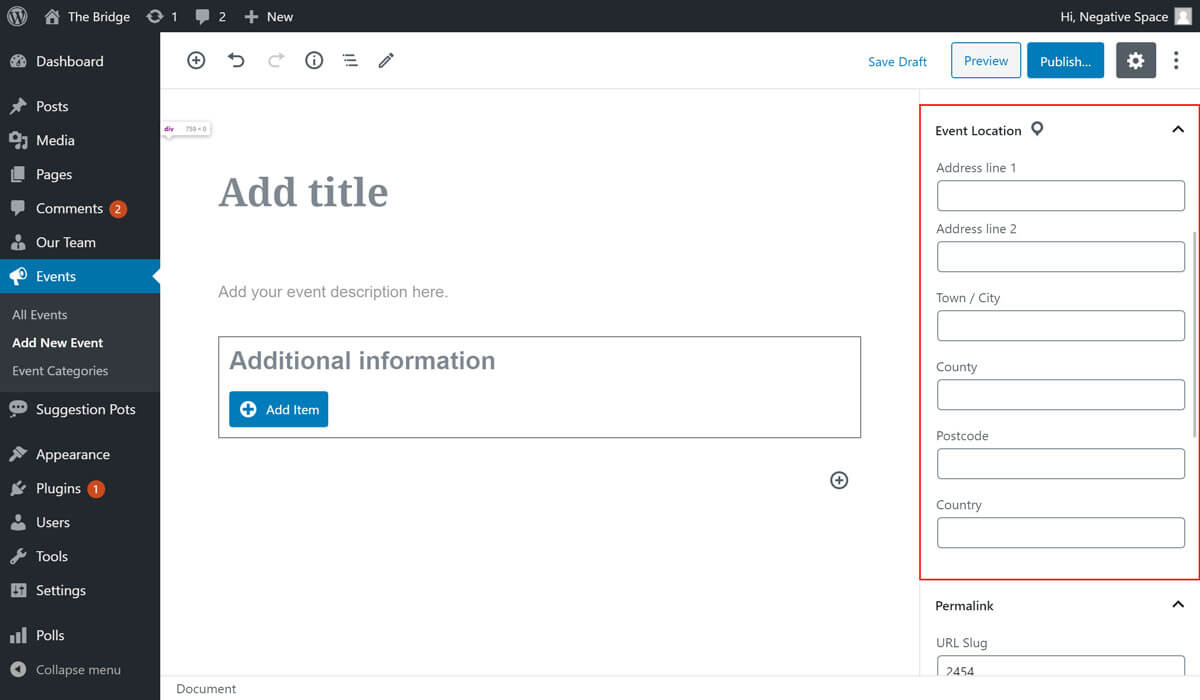
Fill out the address fields provided to add an event location to your event. This information will be displayed on individual event pages.