
# Adding a document
To add or change a document on the Bridge, you will need to update both the shared drive and the policies page in WordPress.
To access the shared drive, open the following path: \\VM-WEB11\The Bridge Policies\Website
You should see a directory similar to this:
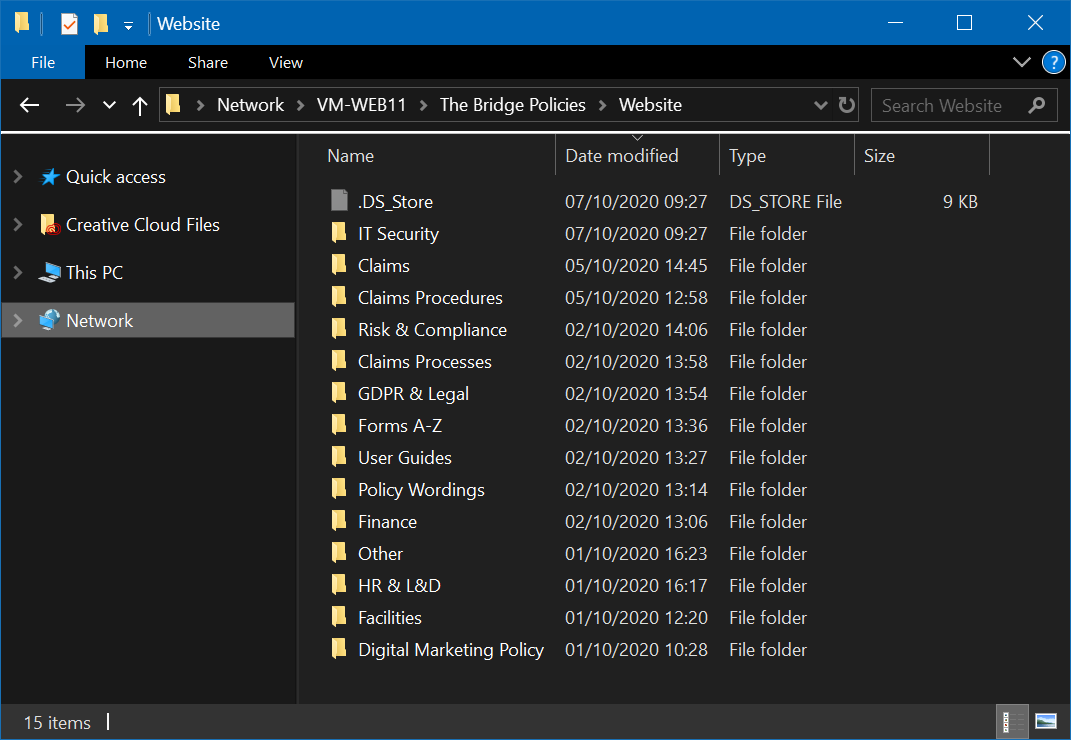
This should match exactly with the website documents directory listing on the Bridge. If you delete or rename any files in here, you may break existing links to documents set up on the policies page.
- Add the document to the applicable directory.
- Open the website documents directory listing in your browser.
- Find the document you have added and copy the it's full URL.
- Insert the URL as a link in the table on the policies page.